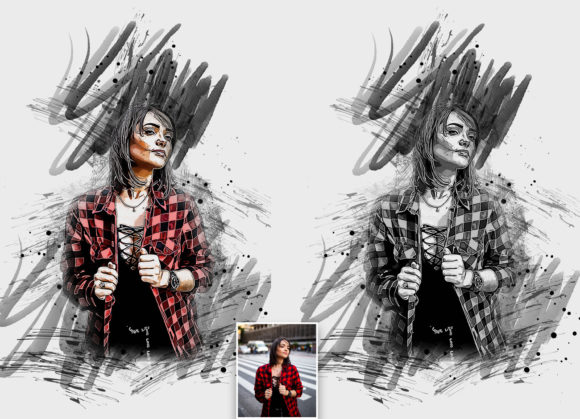
Transform Photos With Ink Poster Art Action
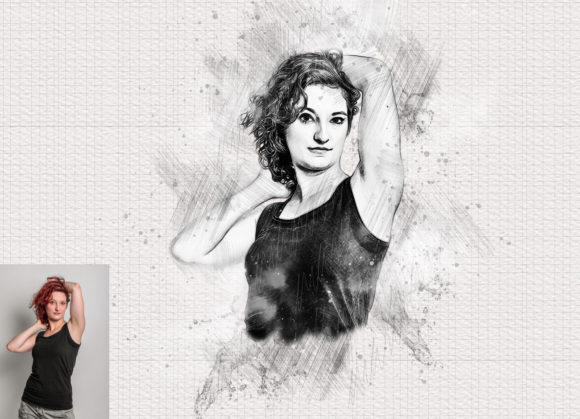
In the fast-paced world of graphic design, creating unique visual assets that stand out is essential for capturing audience attention. The Ink Poster Art Photoshop Action offers a sophisticated solution for designers looking to elevate ordinary photographs into striking, high-contrast artistic pieces. This tool is not just a filter; it is a comprehensive workflow enhancer that allows creative professionals to achieve a hand-painted, ink-wash aesthetic with precision and ease.
Modern brand identity and digital marketing campaigns rely heavily on distinctive imagery. Whether you are working on social media graphics, editorial design, or packaging design, the ability to quickly generate consistent, high-quality visuals is invaluable. This action transforms standard photos into extraordinary images, providing a non-destructive editing experience that preserves the integrity of your original files while adding a layer of professional polish.
Enhancing Visual Communication Through Texture
Visual hierarchy and texture play pivotal roles in effective communication. By incorporating the rugged, organic feel of ink splatters and brush strokes, designers can create a strong emotional connection with viewers. This style is particularly effective in industries that value authenticity and craftsmanship, such as artisanal brands, music promotions, and lifestyle publications. The Ink Poster Art Photoshop Action simplifies the complex process of manual digital painting, allowing you to focus on composition and message rather than technical execution.
For those involved in web design and UI design, these textured elements can break the monotony of flat design trends, adding depth and interest to hero sections or background elements. Similarly, in print design, the high-resolution output ensures that the intricate details of the ink effects remain crisp and impactful, whether viewed on a screen or printed on premium paper stock.
Technical Precision and Workflow Efficiency
To achieve the best results, understanding the technical requirements of the action is crucial. The tool is compatible with a wide range of Adobe Photoshop versions, including CS4 through CC2020 English Version. However, simply installing the action is not enough; proper preparation of your source image ensures a professional outcome.
Follow these essential steps for optimal performance:
- Canvas Preparation: Extract your canvas area by selecting your background image and using the crop tool to extend all sides. This ensures there is enough space for the ink effects to bleed naturally, mimicking real-world poster art.
- Resolution Settings: Resize your images to 3000x2000px or 2000x3000px at 300 DPI. High resolution is key to maintaining clarity and preventing pixelation in the final output.
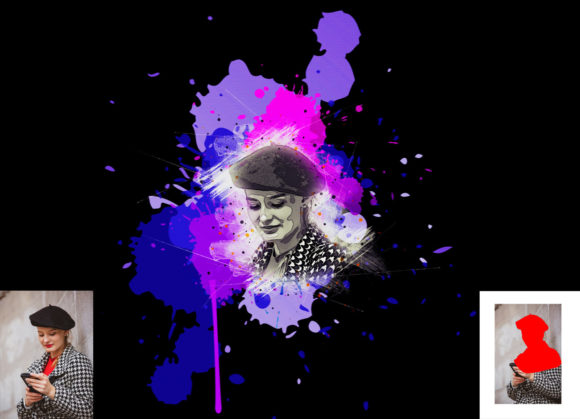
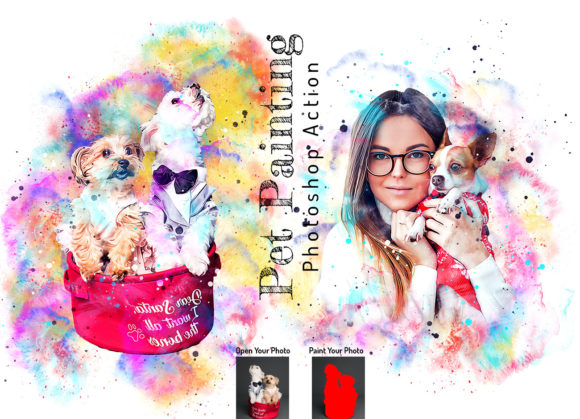
- Layer Management: Open your photo, create a new layer, and rename it “paint” in lowercase. Use a brush to paint over the areas you wish to highlight. Hide the eye icon for this layer but keep it selected before playing the action.
This non-destructive approach means you can easily tweak the "paint" layer if the initial result needs adjustment, offering flexibility that is often missing in automated design tools.
Versatility Across Creative Projects
The versatility of this action makes it a valuable asset for various creative projects. Here is how it can be applied across different design disciplines:
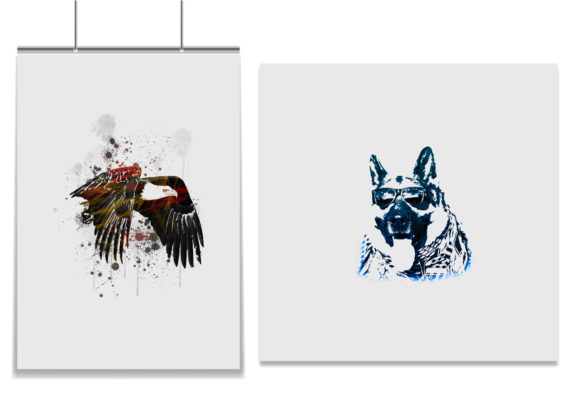
- Advertising Campaigns: Create bold, eye-catching posters that demand attention in crowded urban environments or digital feeds.
- Merchandise Design: Apply the ink effect to t-shirts, tote bags, and prints, offering customers unique, artistic apparel options.
- Album Covers: Musicians and record labels can use this style to convey raw energy and emotion, aligning with genres like rock, indie, or hip-hop.
- Presentations: Enhance corporate or creative presentations with visually striking backgrounds that reinforce key messages without overwhelming text.
The package includes five different actions, allowing for variation in style and intensity. Additionally, the inclusion of brush files, pattern files, and ten color options provides extensive customization possibilities. Designers can easily adjust brush colors to match specific color palettes or brand guidelines, ensuring consistency across all materials.
Ultimately, the Ink Poster Art Photoshop Action is more than just a time-saver; it is a gateway to enhanced creativity. By streamlining the technical aspects of creating ink-style art, it empowers designers to experiment with new aesthetics and push the boundaries of their visual design capabilities. In an era where content saturation is high, having access to tools that facilitate unique, high-quality output is essential for maintaining a competitive edge in the design industry.